
Build the foundation
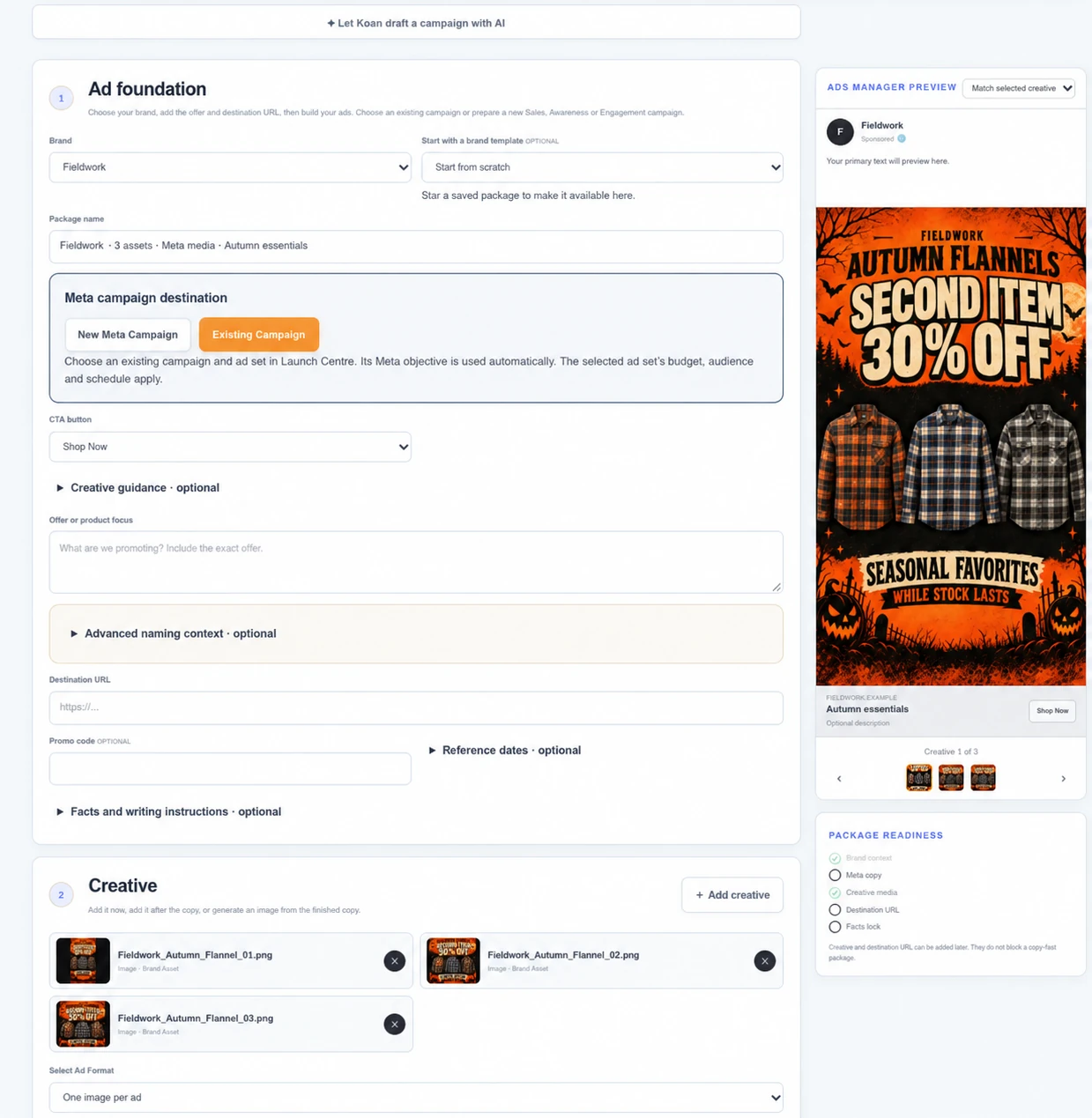
Choose your brand, add the offer and destination, and describe the campaign. Use brand settings to bring relevant context into the brief.
A client brief shouldn’t become a trail of disconnected files, messages and uploads. Keep the brand, creative, approvals and Meta launch preparation connected as the work moves forward.
Request early access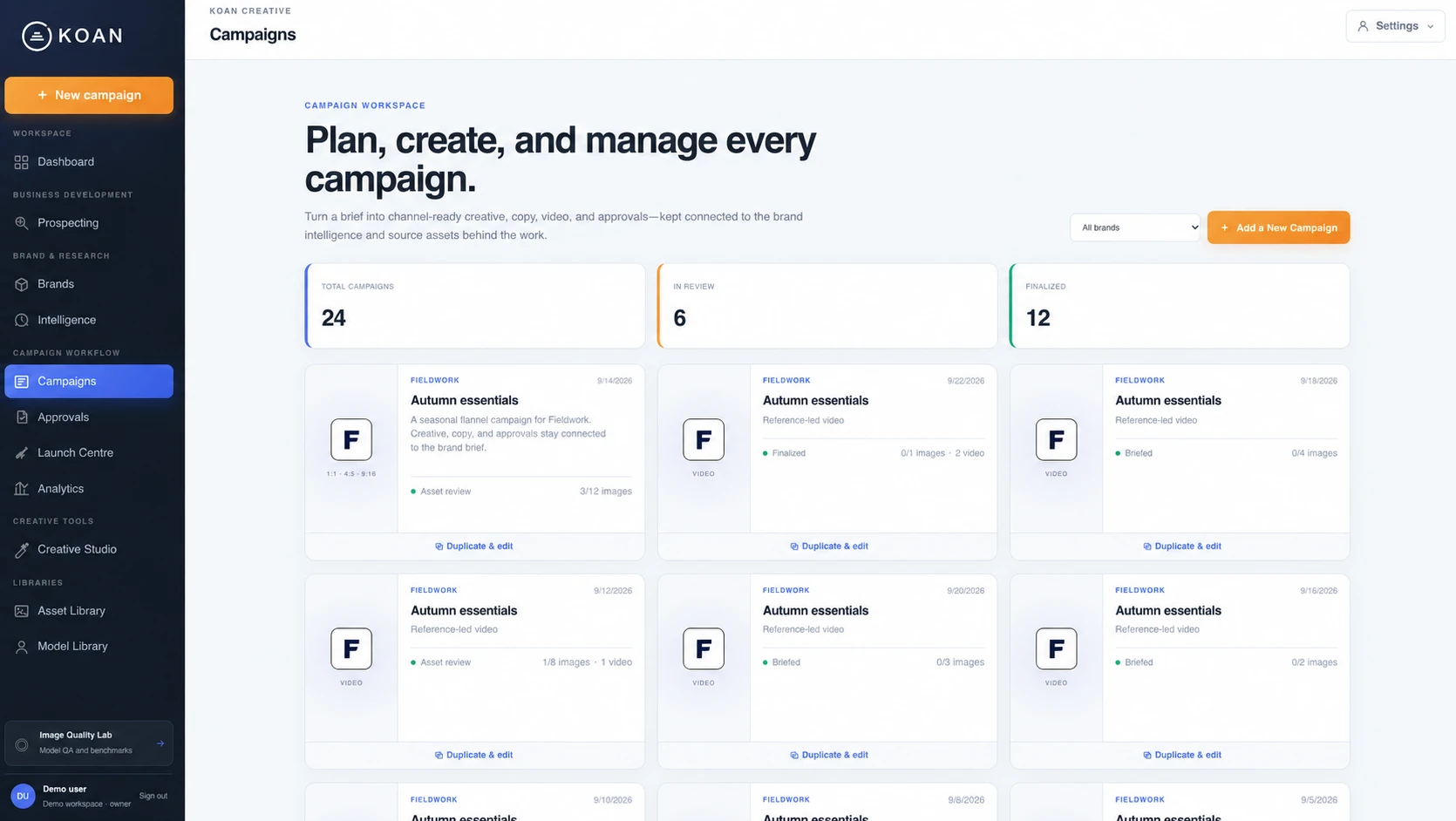
Choose your brand, add the offer and destination, and describe the campaign. Use brand settings to bring relevant context into the brief.
Develop hooks, angles and variations. Select existing assets, upload media, import images from a product URL or create new work in the studio.
Check the creative, copy and links together. Share a dedicated Meta approval page when a client or teammate needs to review.
Choose an existing campaign and ad set or prepare a new campaign using supported settings. Select one image per ad or a carousel structure.
Explore campaign results and open individual ads in the Ad Inspector. Use what you find to plan your next creative test.
Koan helps prepare the handoff to Meta. New ads start paused, so you can check them before activation.
Sales, Awareness and Engagement are supported for new campaign setup. Ads added to an existing campaign use that campaign’s objective.
Available settings depend on your connected Meta account and the campaign. Advanced configurations can still be managed in Meta Ads Manager.
Bring creative, approvals and campaign decisions together. Join the early-access list and tell us where the work gets stuck.
Request early access