
Work from your brand
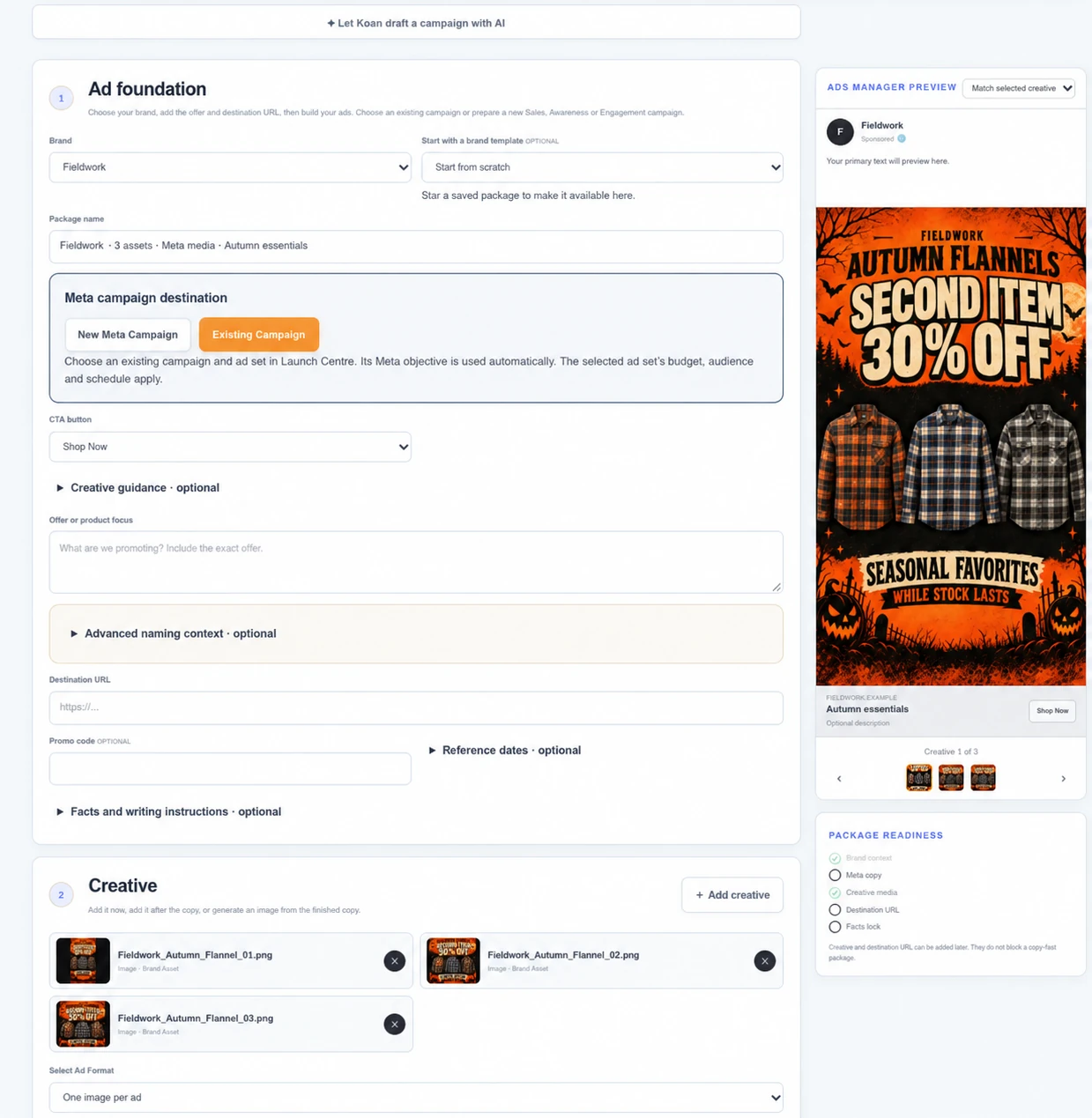
Use saved brand settings or start with a favourite package as a template.
Bring everyday image creation, editing, video and ad copy into your campaign workspace. Keep the client’s brand in view and reduce the need for separate tools for routine creative work.
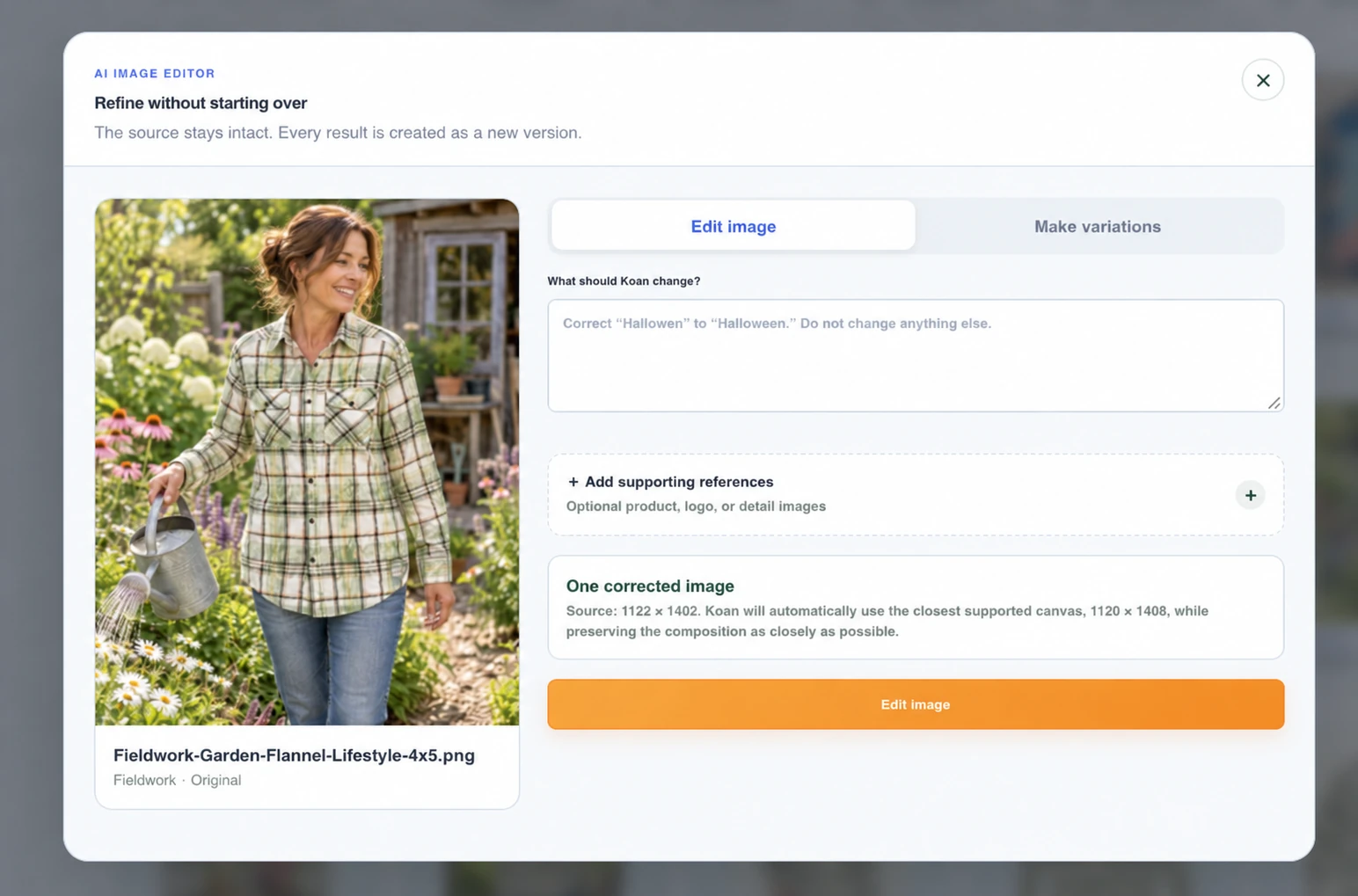
Request early accessBring product photos and references into your creative brief. Generate fresh imagery, then refine the direction with the AI image editor.
Use practical editing tools for cropping, resizing and adjustments. Review each result before using it in a campaign.
Start from images, guide the motion and choose the takes that fit. Build a sequence with a clear beginning, middle and finish.
Introduce the product with a strong starting image.
Develop scenes and retry individual takes as needed.
Assemble selected clips, add an optional end card and export.
Video Studio focuses on clip generation and scene assembly. It does not replace a full timeline editing suite.
Generate or write copy, explore hooks and angles, and pair variations with your creative. A product reference image can help Koan understand what you’re advertising.
Use saved brand settings or start with a favourite package as a template.
Edit fields, regenerate copy and check the finished ad preview.
Save a draft, return later, and favourite finalized packages for future campaigns.
Bring creative, approvals and campaign decisions together. Join the early-access list and tell us where the work gets stuck.
Request early access